Find an ETF
The ETF Finder lets you explore all Shariah-compliant exchange-traded funds available on HalalFolio. Search, filter, and analyze funds to find the right ones for your portfolio.
Accessing the ETF Finder
Navigate to Explore → Find ETFs from the main navigation menu to open the fund browser.
ETF Market Overview
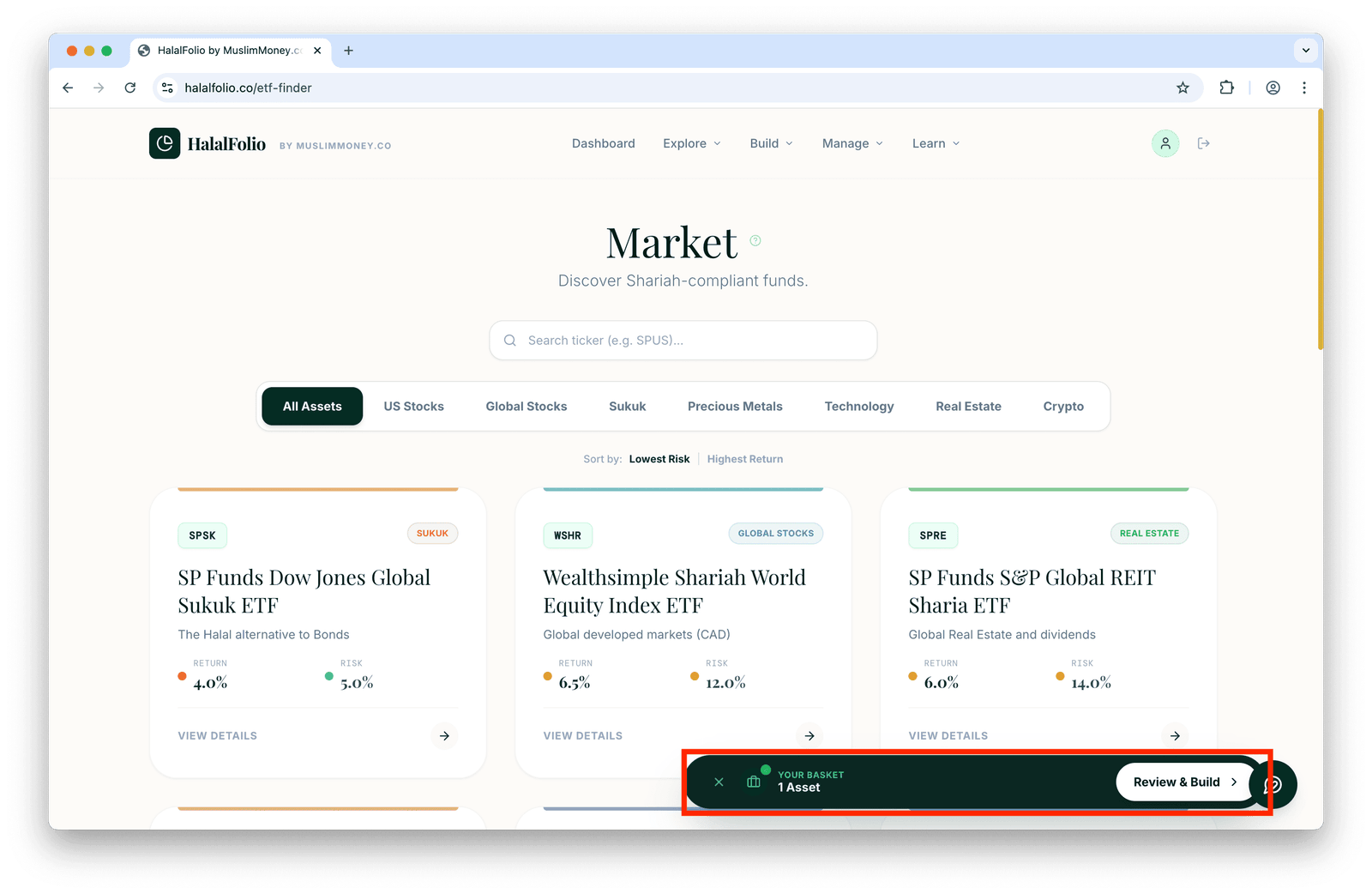
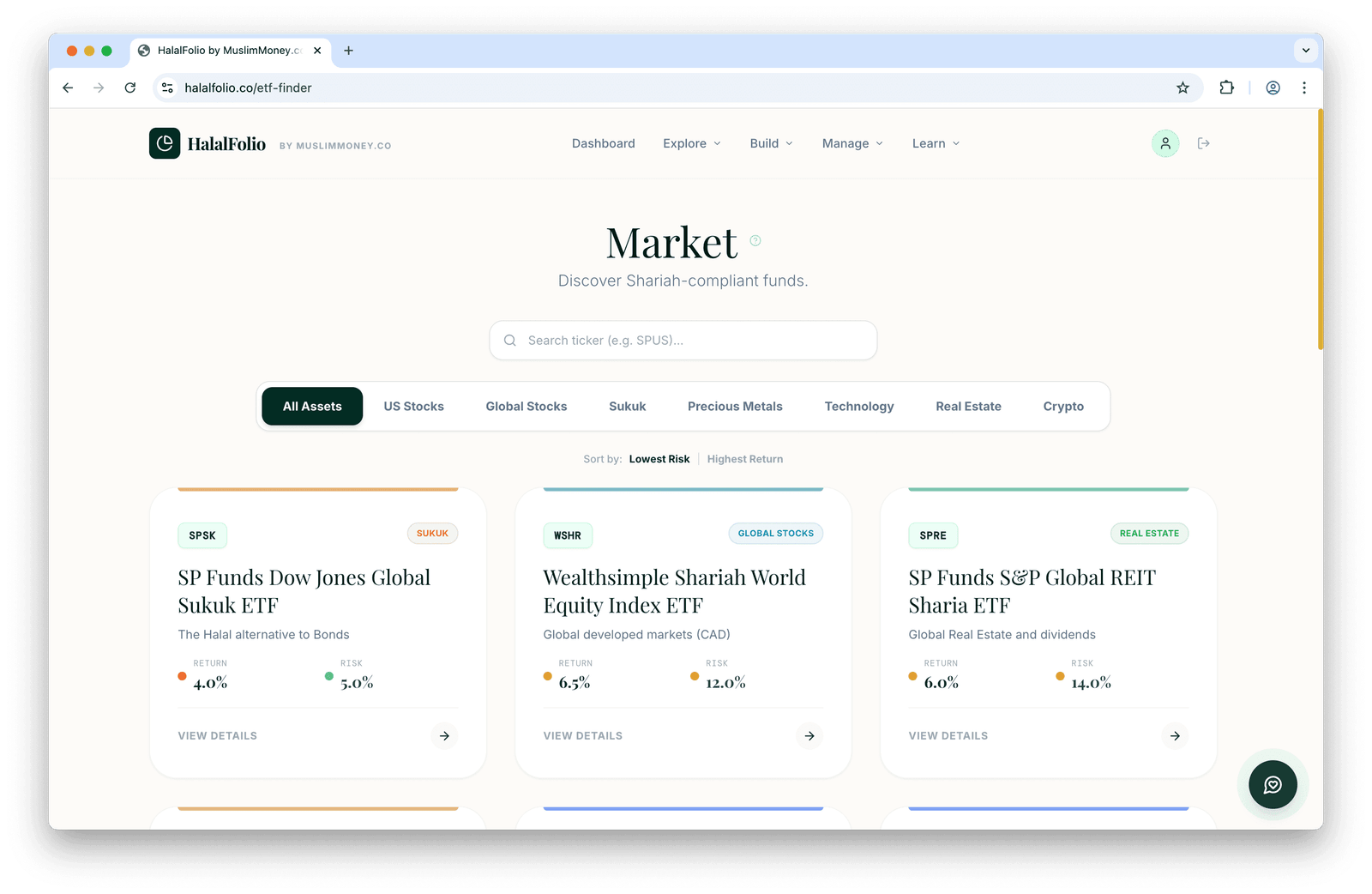
The main view shows all available halal ETFs organized by asset category:
Asset Categories
ETFs are grouped into categories for easy browsing:
- US Stocks — Shariah-compliant US equity funds
- Global Stocks — International equity exposure
- Sukuk — Islamic fixed income alternatives
- Commodities — Halal commodity exposure (gold, etc.)
- Sector-Specific — Technology, healthcare, and other sectors
Searching for ETFs
Use the search bar to find specific funds by:
- Ticker symbol (e.g., HLAL, SPUS, SPRE)
- Fund name (e.g., "Wahed" or "SP Funds")
- Category keywords
Viewing ETF Details
Click View Details on any ETF card to see comprehensive information about that fund.
Analysis Tab
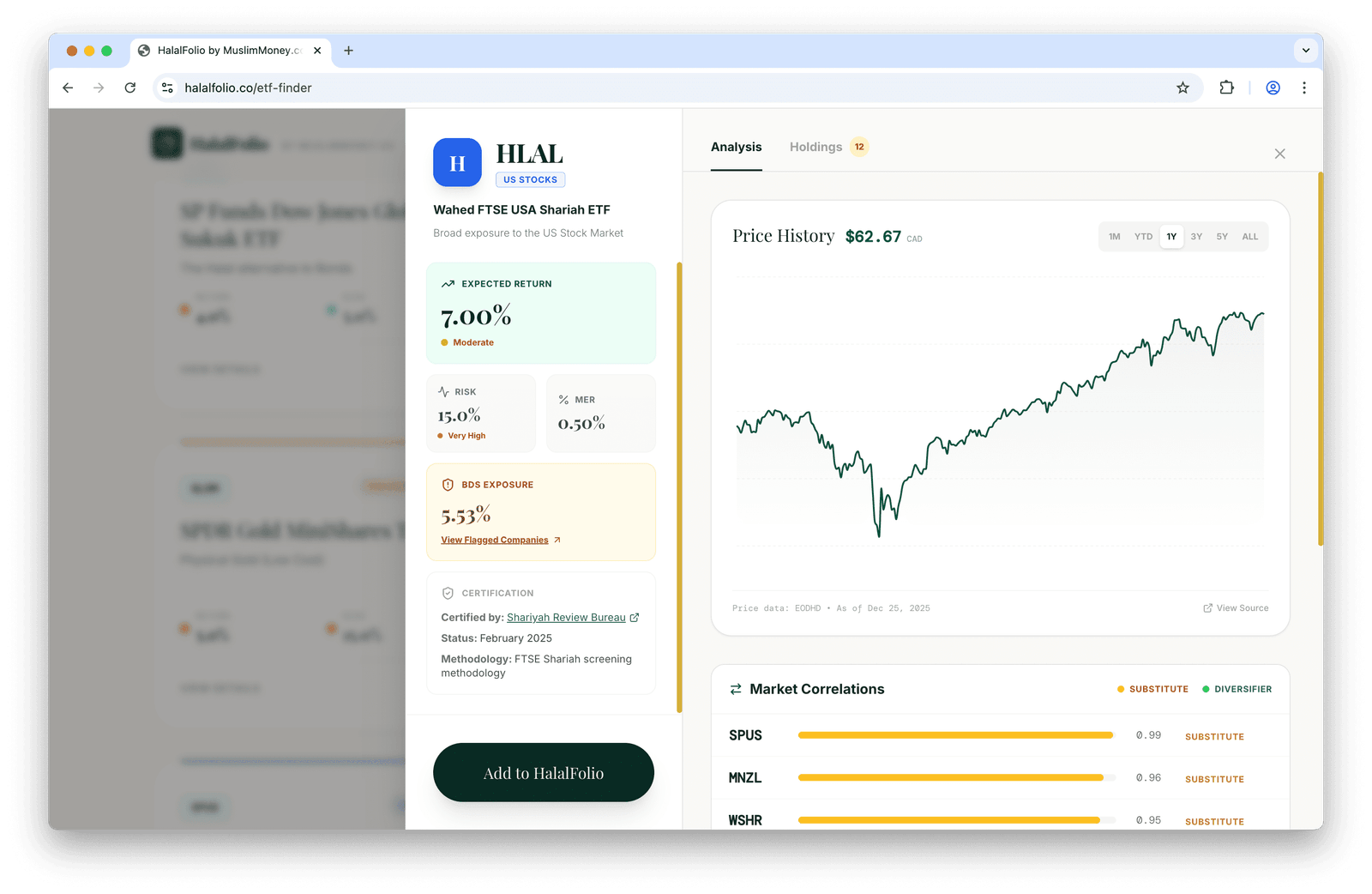
The Analysis tab provides key metrics to help you evaluate each fund:
- Expected Return — Projected annual performance
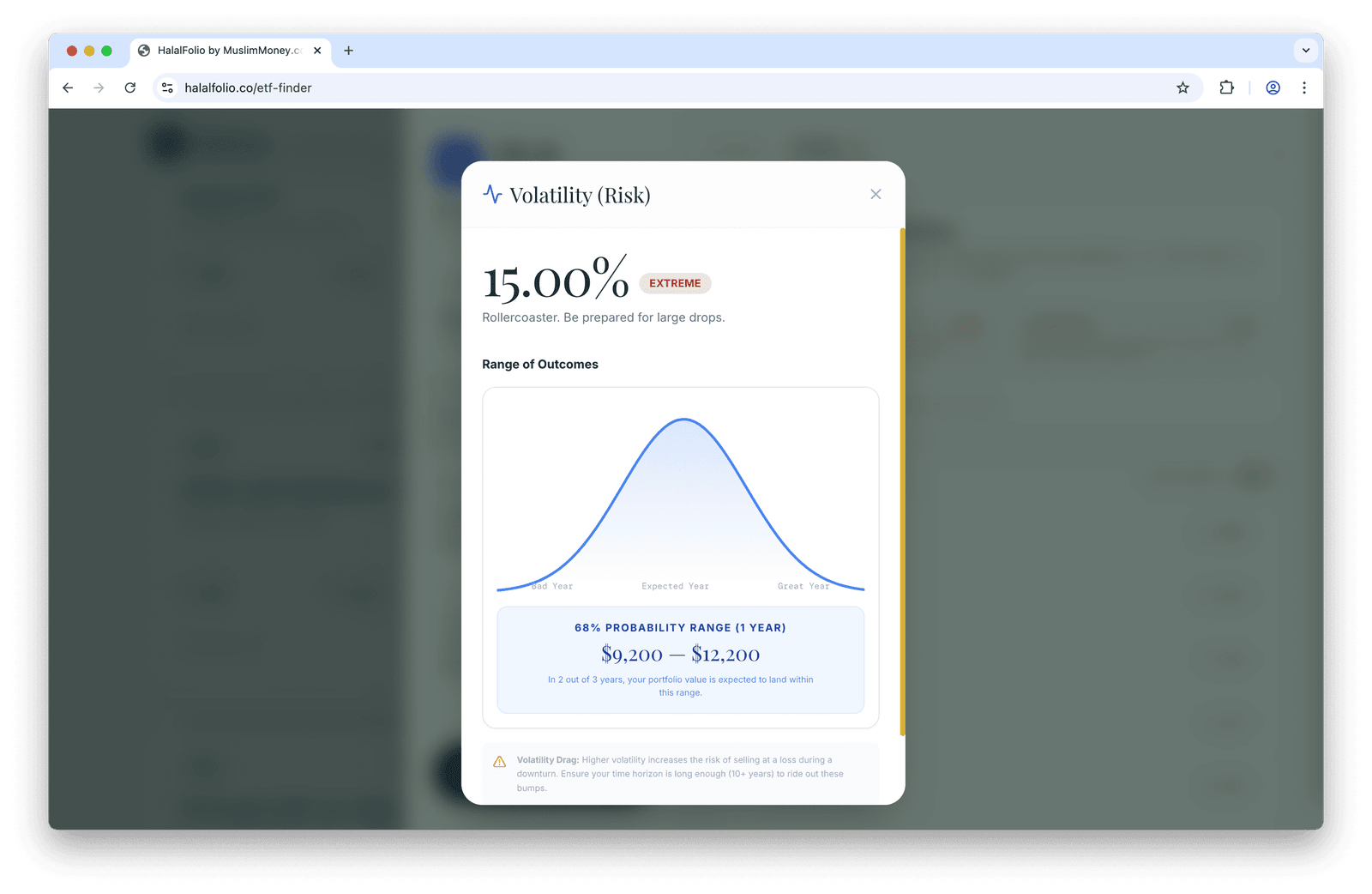
- Volatility — Risk level (standard deviation)
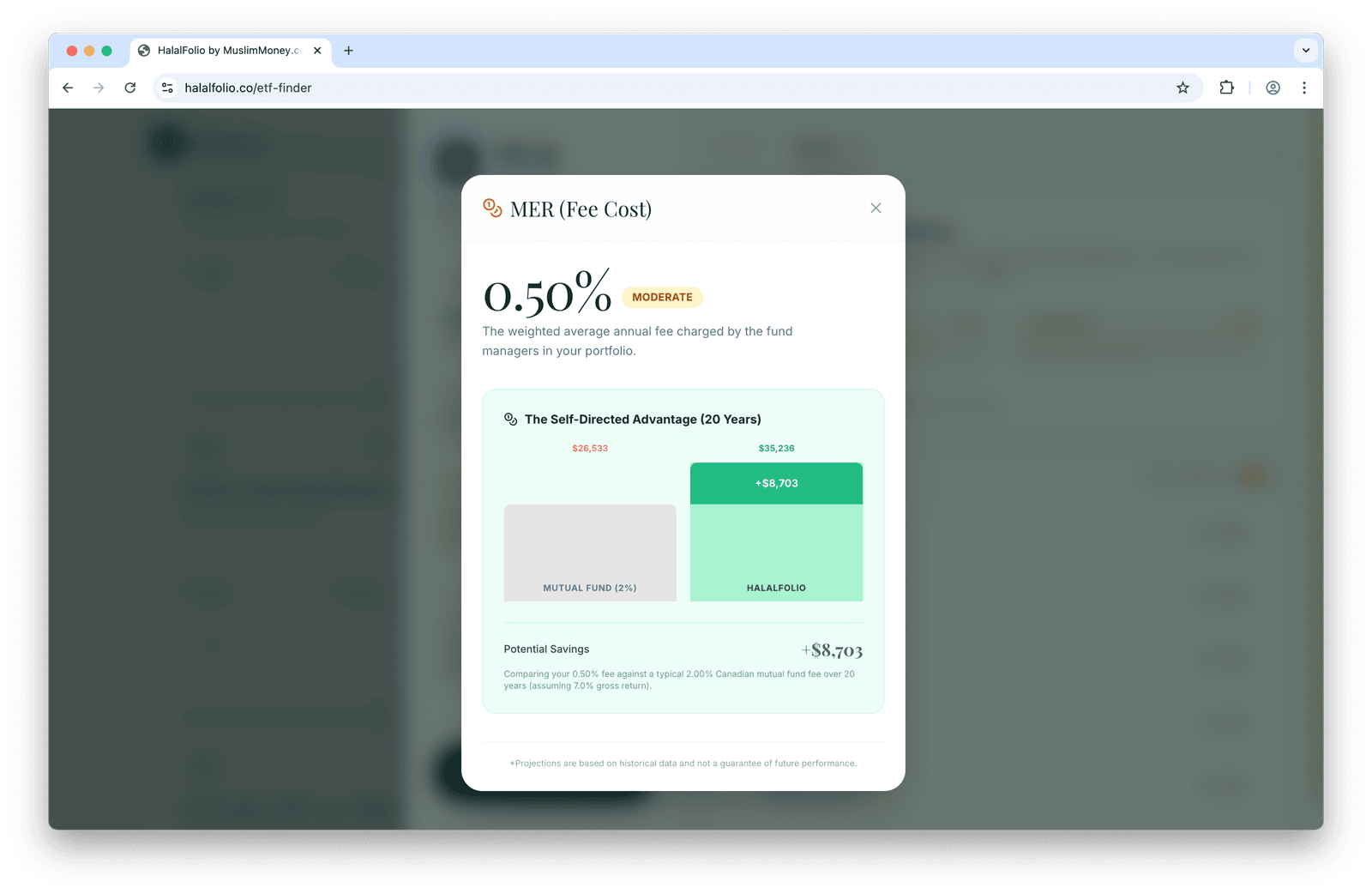
- Expense Ratio — Annual fund costs
- Price Chart — Historical performance
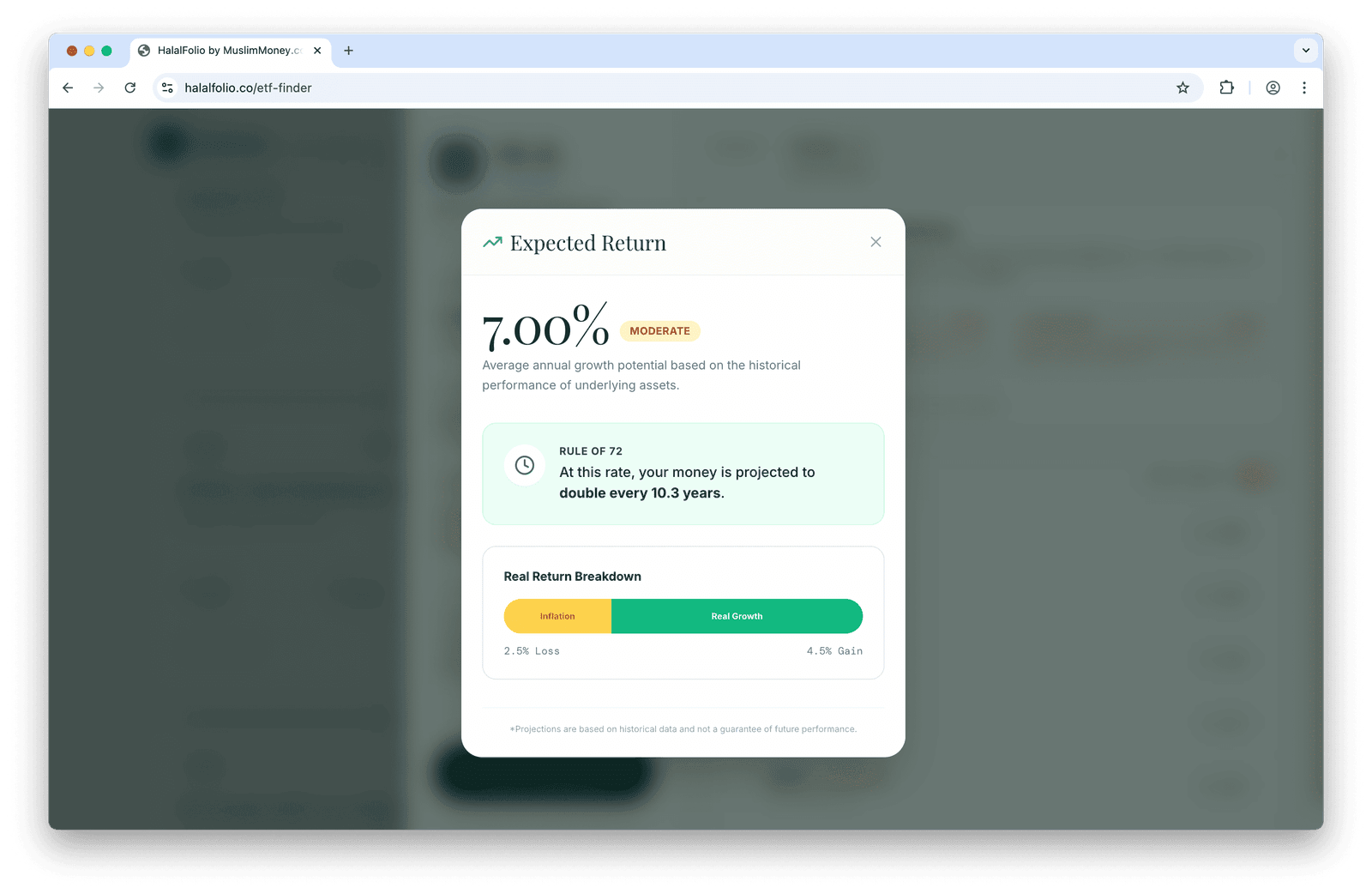
Click on any metric to learn more about what it means:
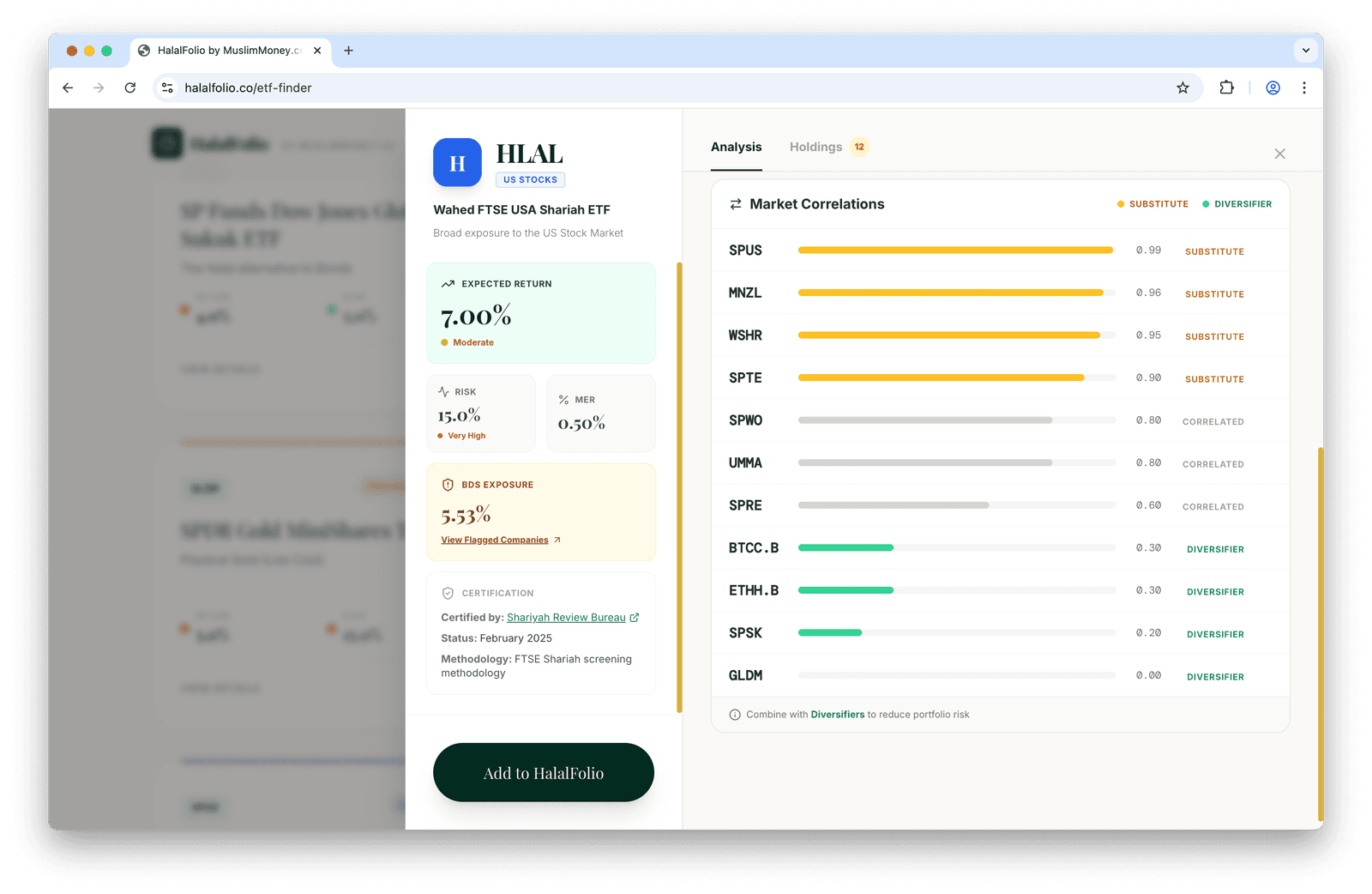
Scroll down to see how the ETF compares to other halal funds in the market:
Shariah Certification
Each ETF displays its certification details, including the certifying body (e.g., Shariyah Review Bureau, AAOIFI), compliance methodology, and screening criteria.
Holdings
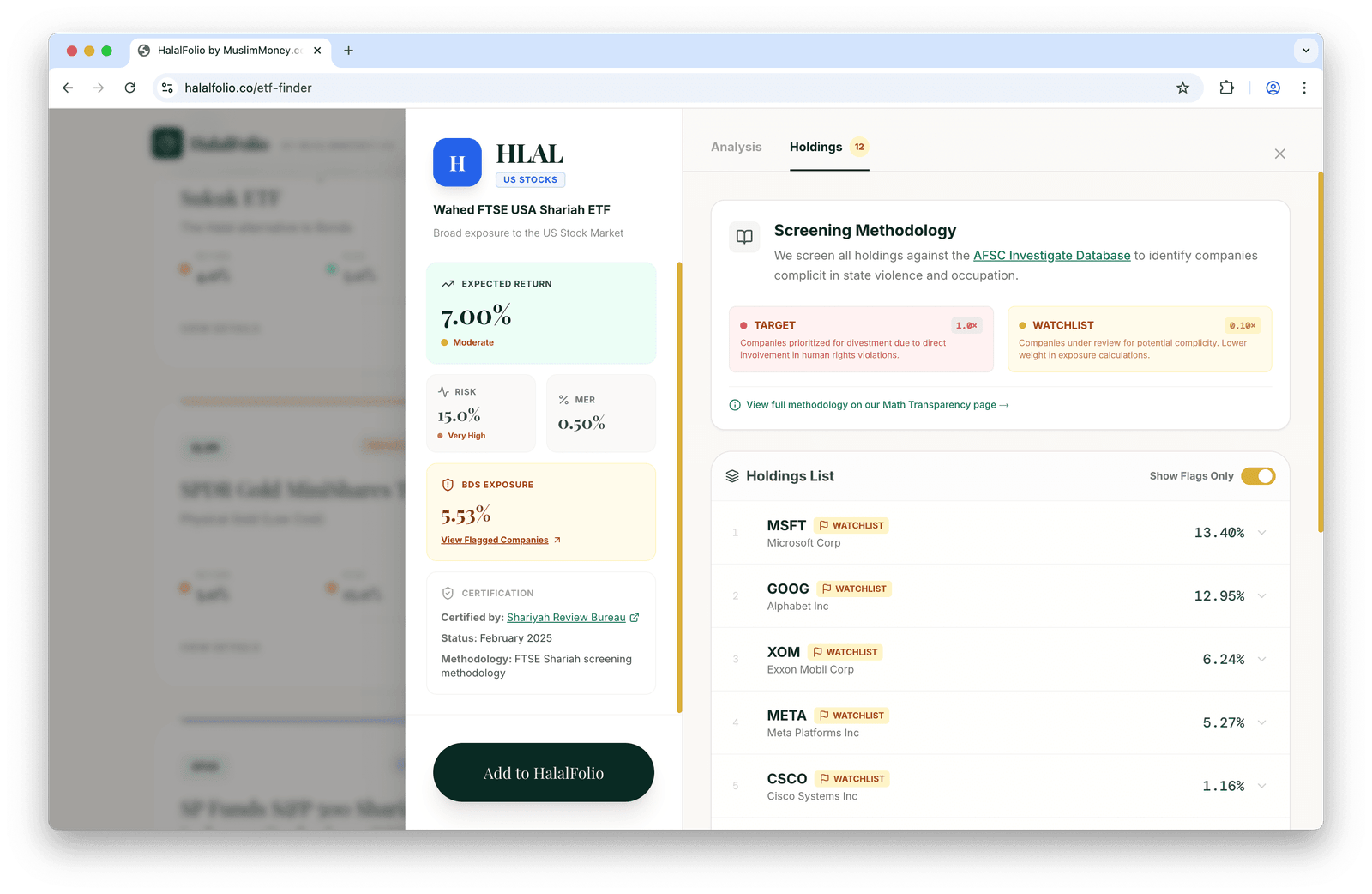
Click on the Holdings tab to view all the underlying stocks in the ETF and their weights.
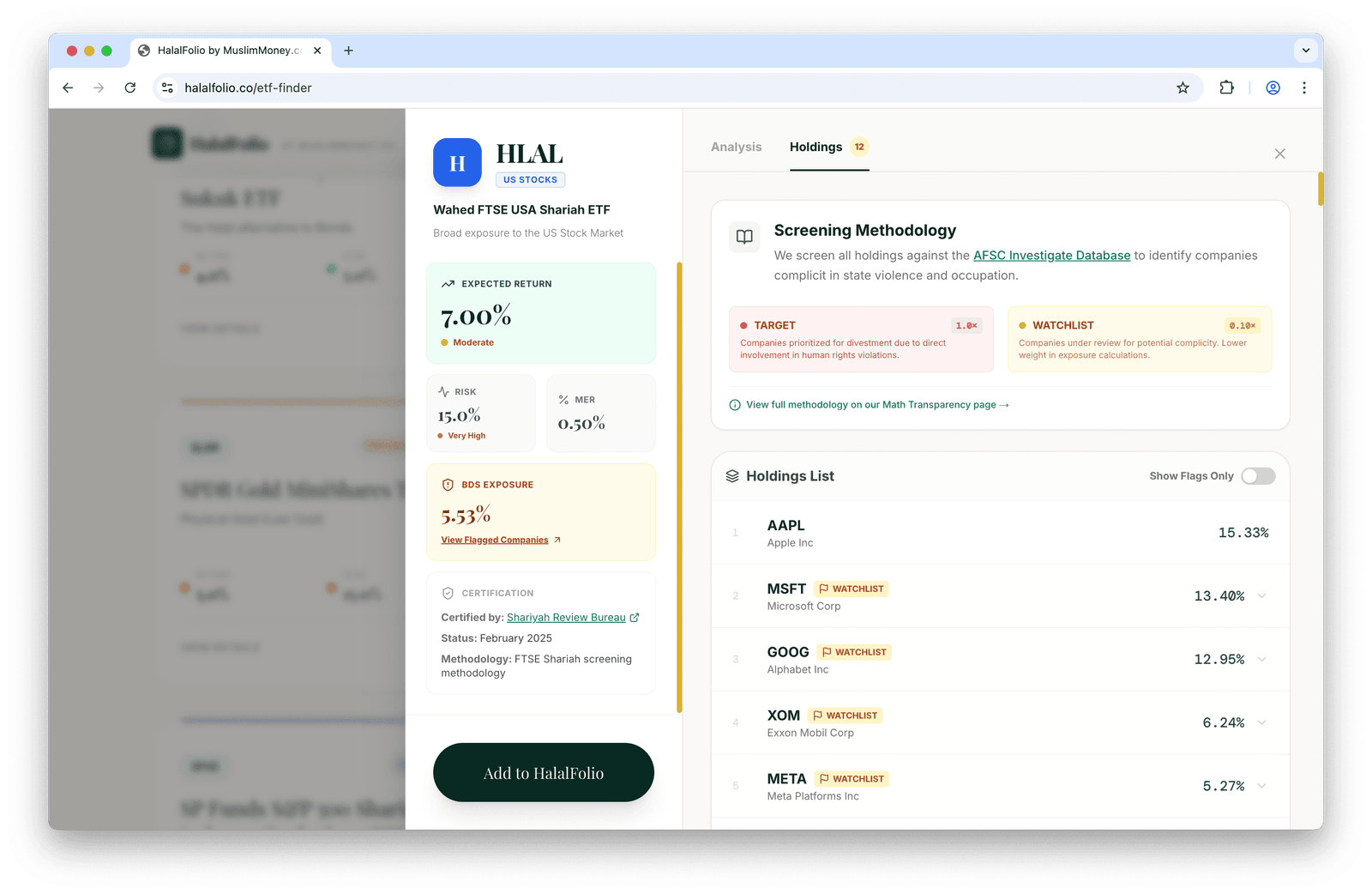
You can toggle on Show Flags Only to see which holdings have been flagged by the BDS movement:
Adding ETFs to Your Portfolio
From the ETF detail view, click Add to HalalFolio to add the fund to your portfolio builder.
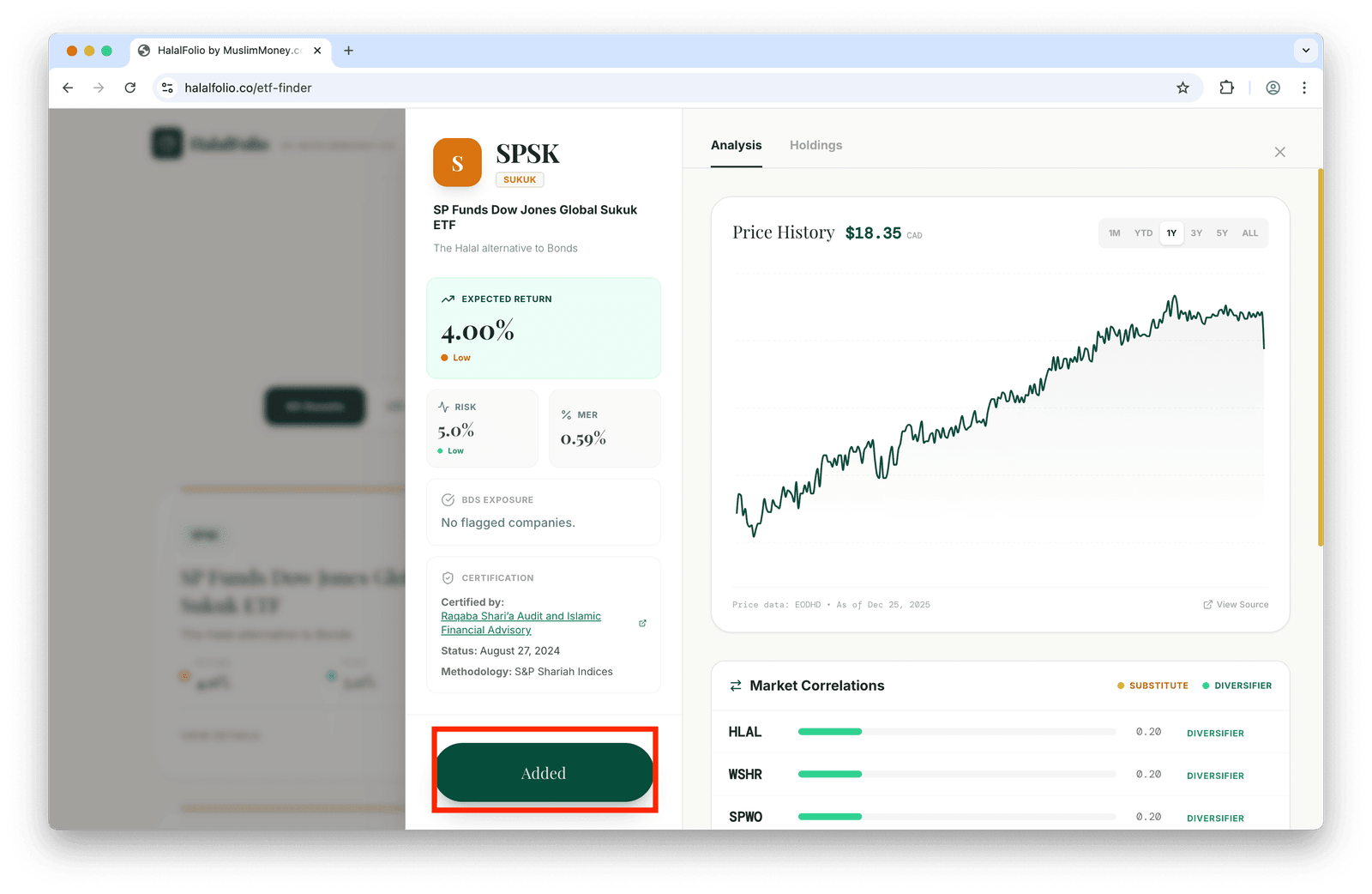
Once you've added an ETF, it appears in your HalalFolio Basket. You can review and adjust your selections in the Advanced Builder.