
Advanced Builder
The Advanced Builder gives you complete control to create a custom halal portfolio from scratch. Select specific ETFs, set your own allocations, and analyze the results in real-time.
Accessing the Advanced Builder
Navigate to Build → Advanced Builder from the main navigation, or select "Customize" after using the Simple Builder.
Getting Started
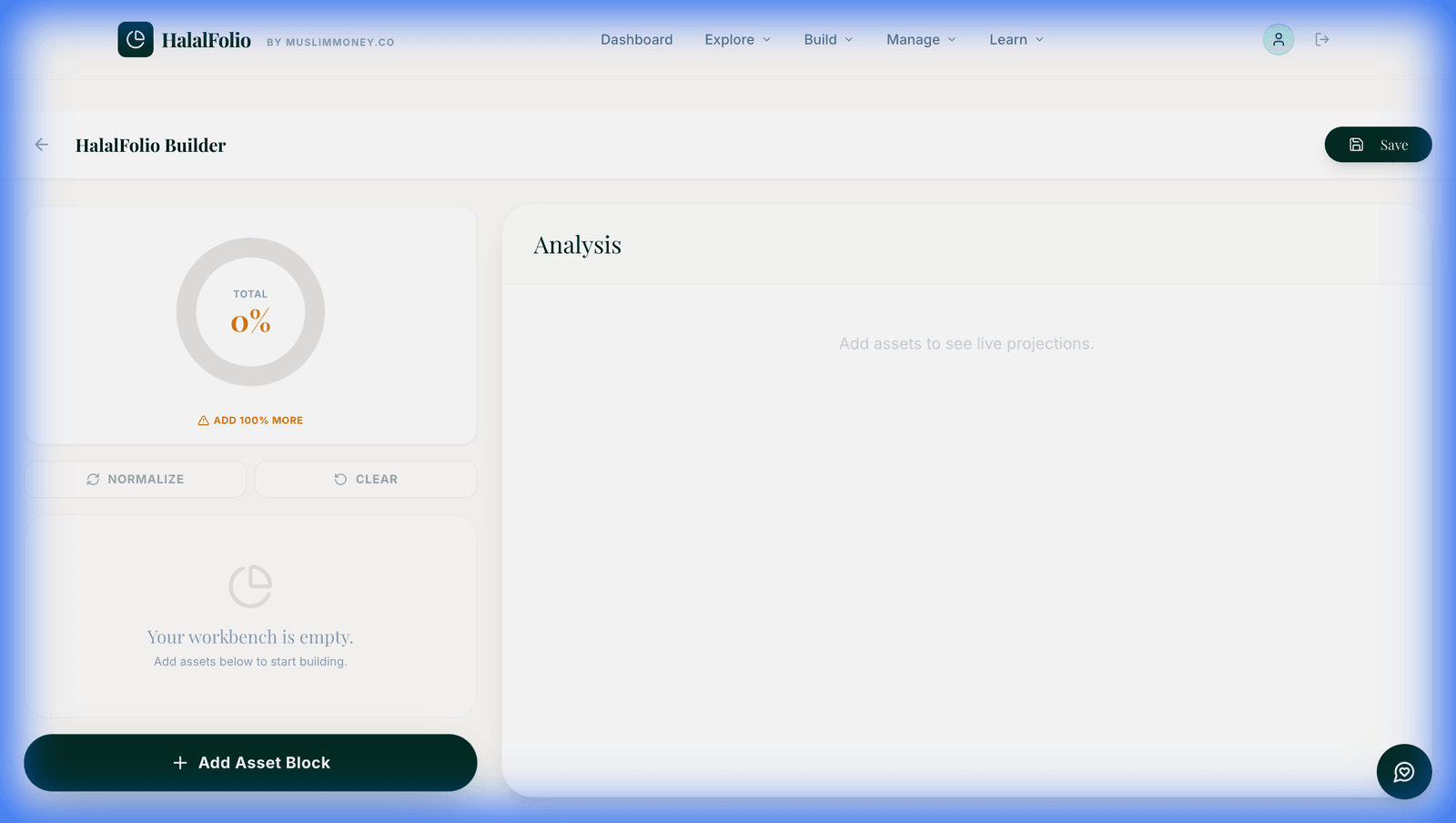
The Advanced Builder opens with an empty canvas, ready for you to add ETFs.
Adding ETFs
From the ETF Search Panel
- Use the search bar to find ETFs by ticker or name
- Browse filtered lists (Equity, Fixed Income, Commodities)
- Click Add to include an ETF in your portfolio
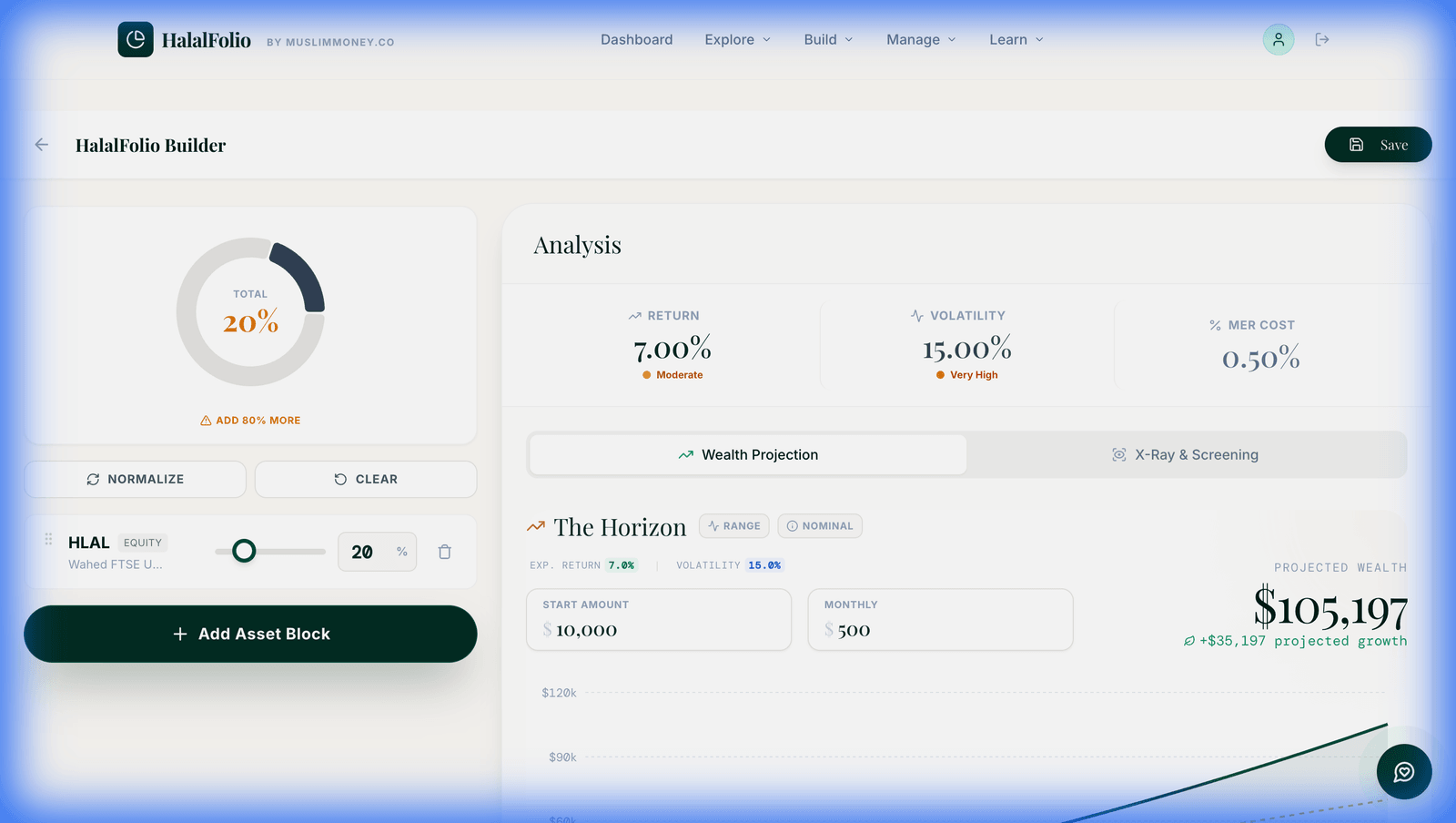
Once you add your first ETF, you'll see it appear in your allocation list:
Setting Allocations
Adjust the percentage allocation for each ETF using the slider or input field. As you build your portfolio:
- Allocations must total 100%
- Real-time metrics update as you adjust
- Invalid allocations are highlighted
Building a Multi-Asset Portfolio
Add multiple ETFs to create a diversified portfolio:
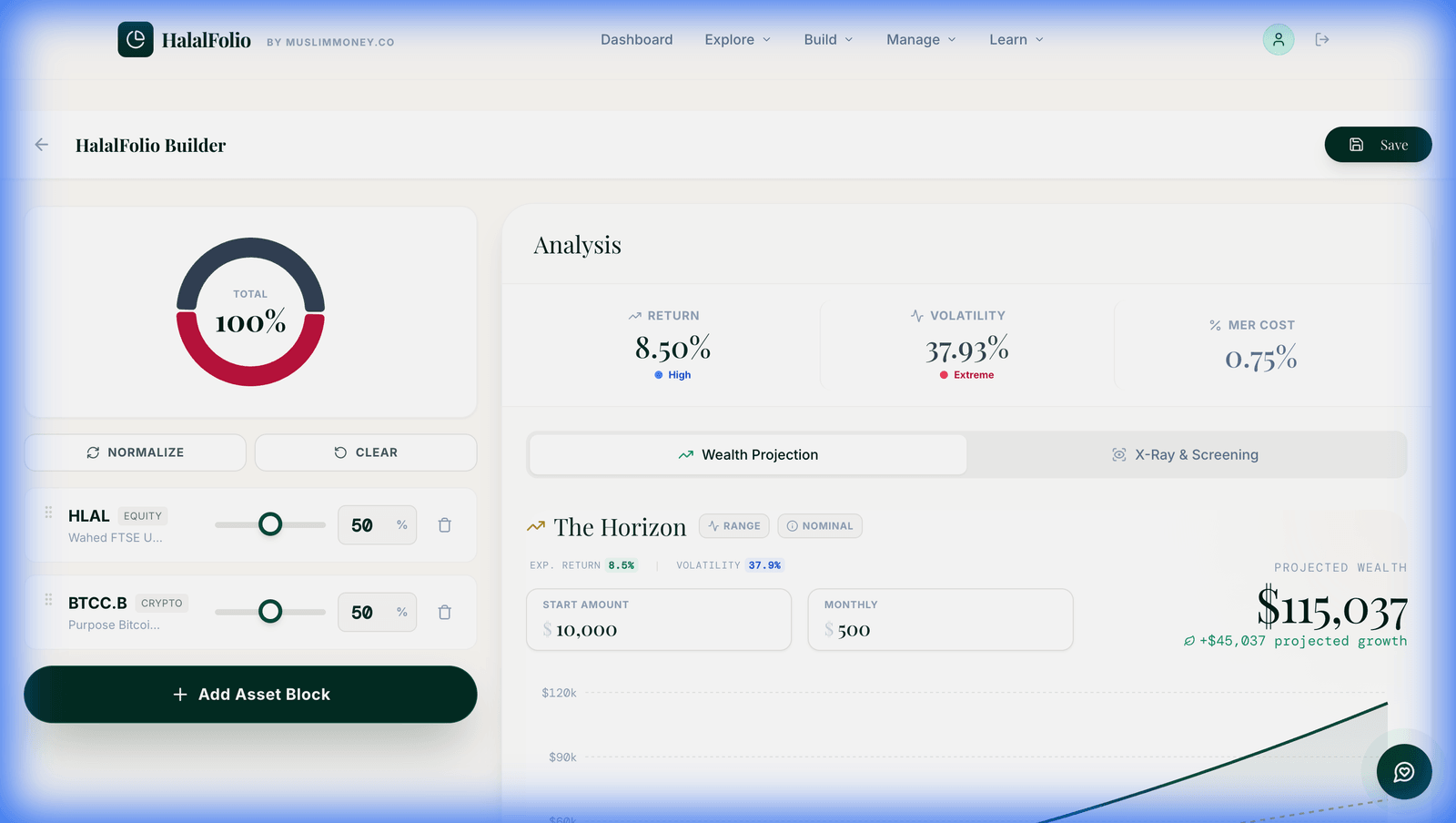
The metrics panel shows:
- Expected Return - Projected annual return
- Volatility - Standard deviation of returns
- Sharpe Ratio - Risk-adjusted performance
- Expense Ratio - Total portfolio cost
X-Ray Analysis
Click the X-Ray tab to see a detailed breakdown of your portfolio's holdings:
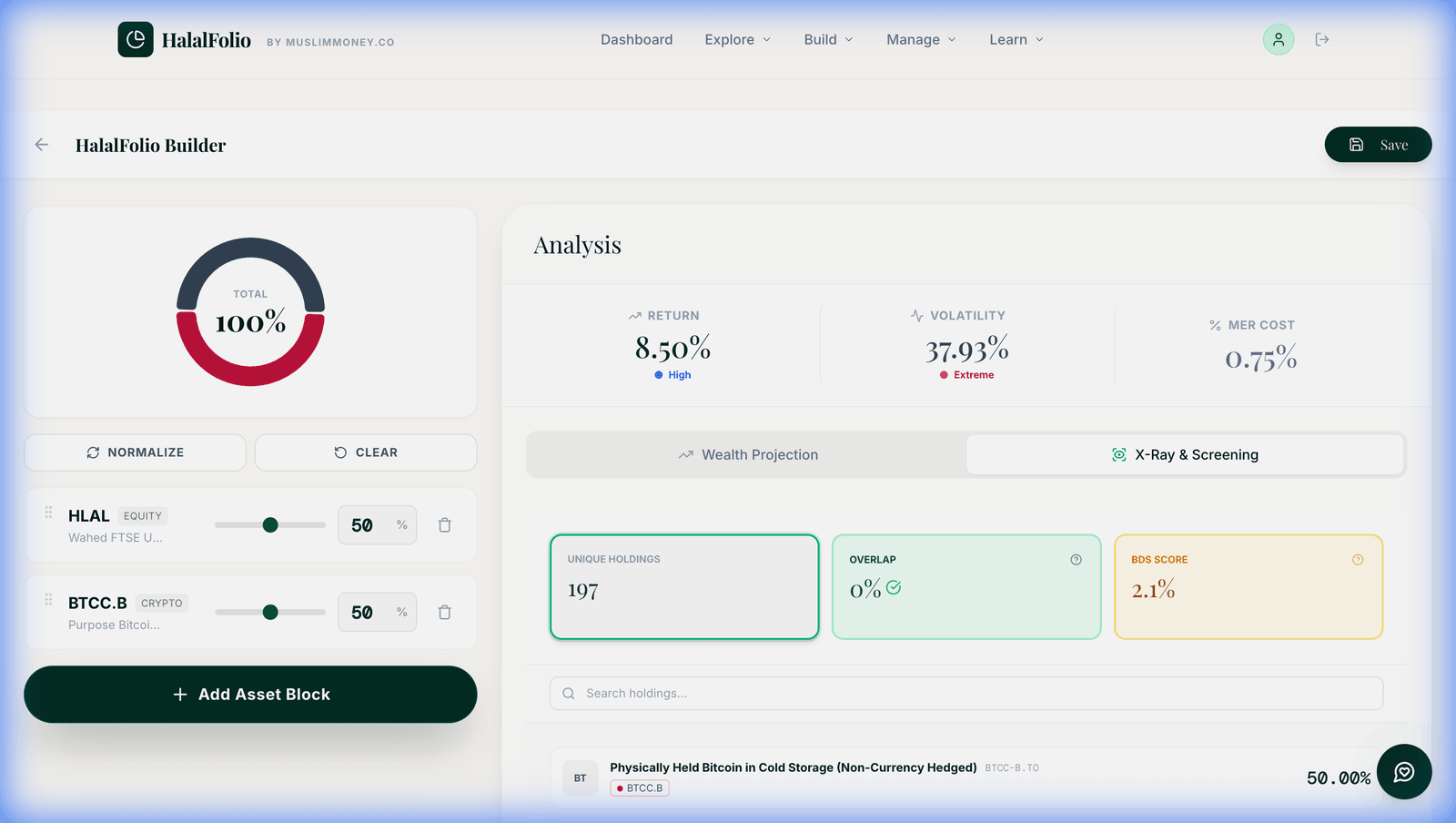
X-Ray shows you:
- Underlying sector exposure across all ETFs
- Geographic diversification
- Top holdings by total portfolio weight
- Shariah compliance status for each holding
Saving Your Portfolio
When you're satisfied with your allocation:
- Click Save Portfolio
- Give your portfolio a name
- The portfolio is saved to My HalalFolios
Tips for Portfolio Construction
- Diversify across asset classes - Mix equity, sukuk, and commodity ETFs
- Consider correlations - HalalFolio shows how ETFs move together
- Watch expense ratios - Lower costs compound into higher returns
- Review the X-Ray - Ensure no unintended concentration in sectors or regions